- Development Experience.
- Comments.
- Review of the Platform Contentful CMS.
Transition from the Legacy WordPress into Contentful
As of 2024, technologies in the realm of Custom CMS systems are evolving rapidly. One of our clients in Florida, who has been in business for over 50 years, requested a modern framework to replace their legacy WordPress-based public website. The primary requirements for our task include:
- Migrating thousands of pages created and published throughout the company’s history.
- Ensuring content managers can continue creating and publishing content seamlessly.
- Utilizing modern CMS frameworks with development capabilities in React or Angular.
- Providing backend access for developing customized business workflows, features, and integrating third-party APIs.
- Deploying the system on both internal servers and the cloud.
- Supporting Continuous Integration and Continuous Deployment (CI/CD).
Q1: Trial or Free Version Availability?
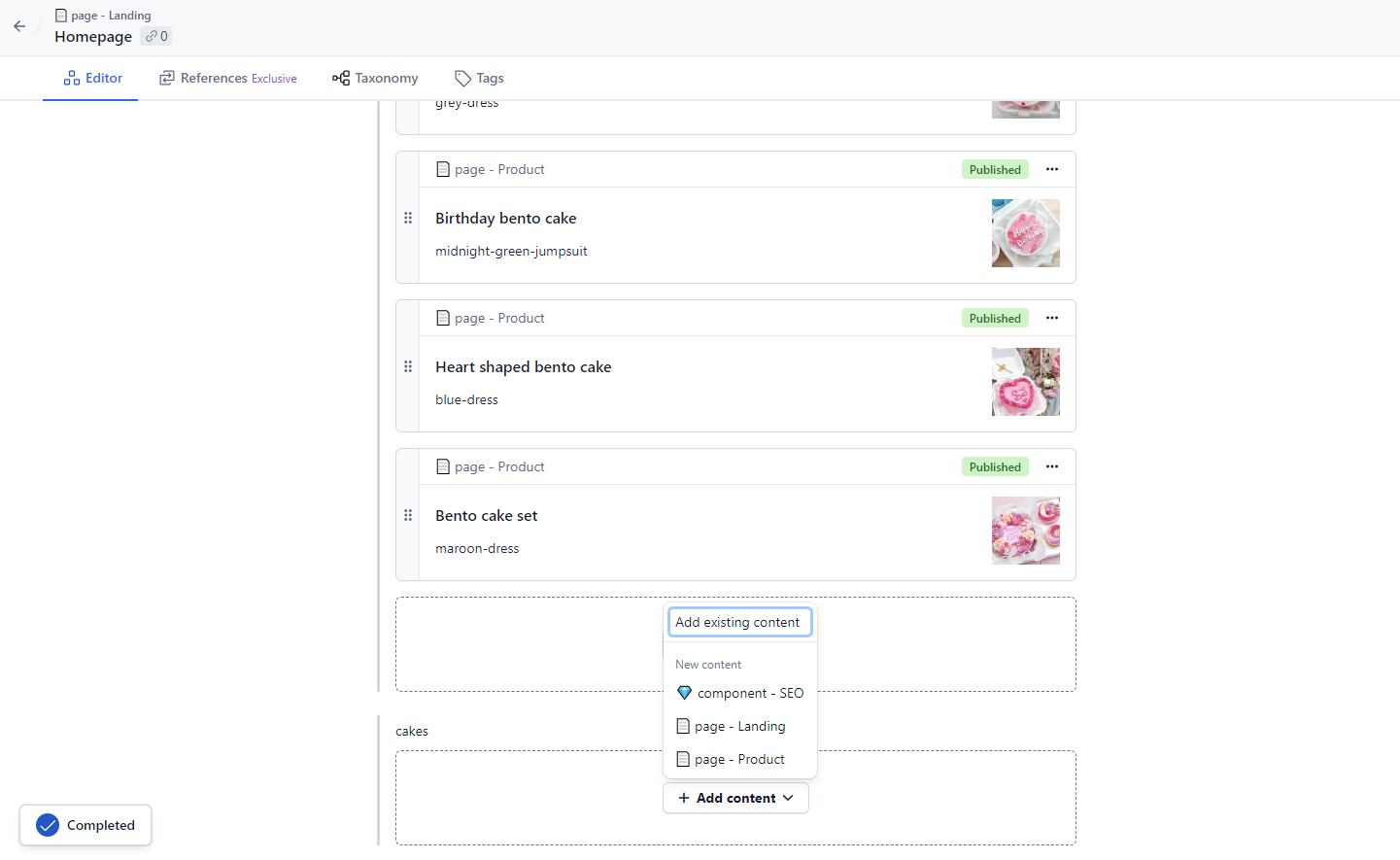
Yes, developers can sign up for a trial version by registering on the platform. After answering a brief questionnaire, the platform suggests options tailored to the user’s needs. The trial version allows the creation of only one Space (in my case, an online store). If additional Spaces are needed, a subscription plan must be purchased. Free trial users also have limited access to some features, such as editing references (page relationship schemes), taxonomy, and SEO-related functions.
Q2: Initial Challenges?
I attempted to use the offered short training option, but the hints either did not work or got stuck on the screen, causing further confusion. As a result, I had to spend extra time correcting mistakes and learning the system independently. Additionally, I found the layout of the help section information to be quite inconvenient.Q3: Custom Web Page Creation?
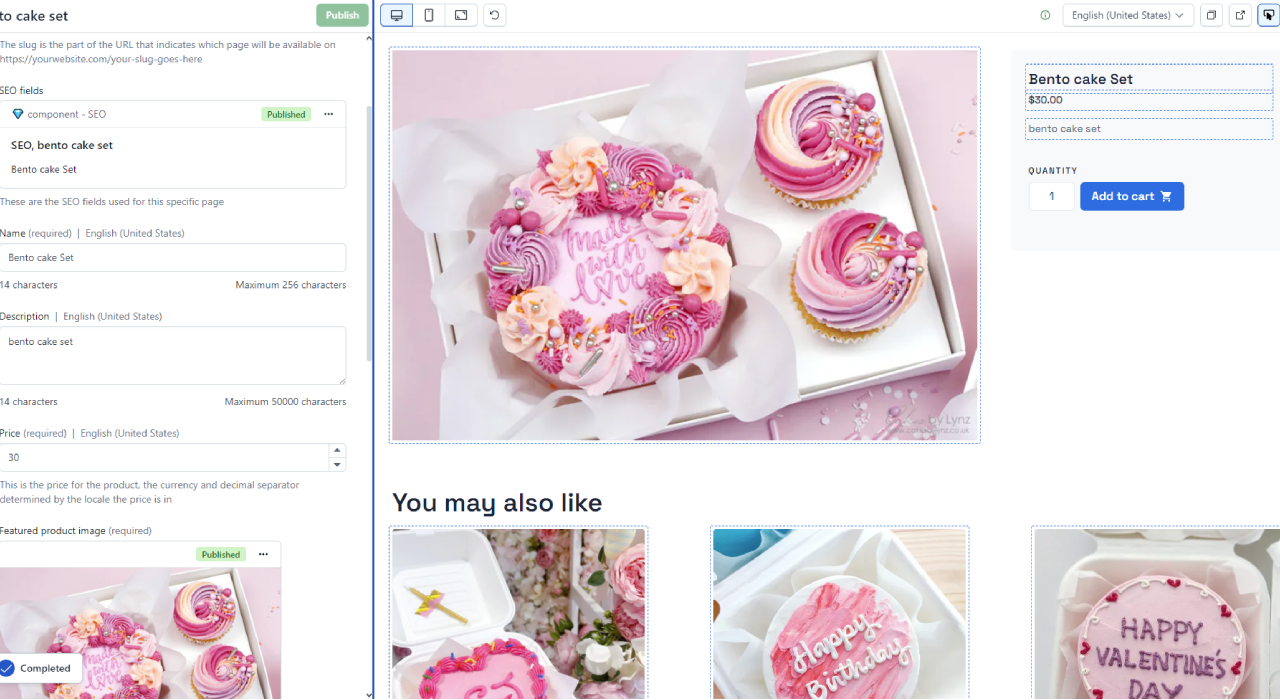
After spending two days exploring the Contentful platform, I was unable to create custom elements. Pages are built from blocks available based on the selected page theme. For instance, on the pages of my online store, I could arrange product names/descriptions, product photos, and add links to other products. The help section described options for adding other elements, but these are still basic elements without customization options.