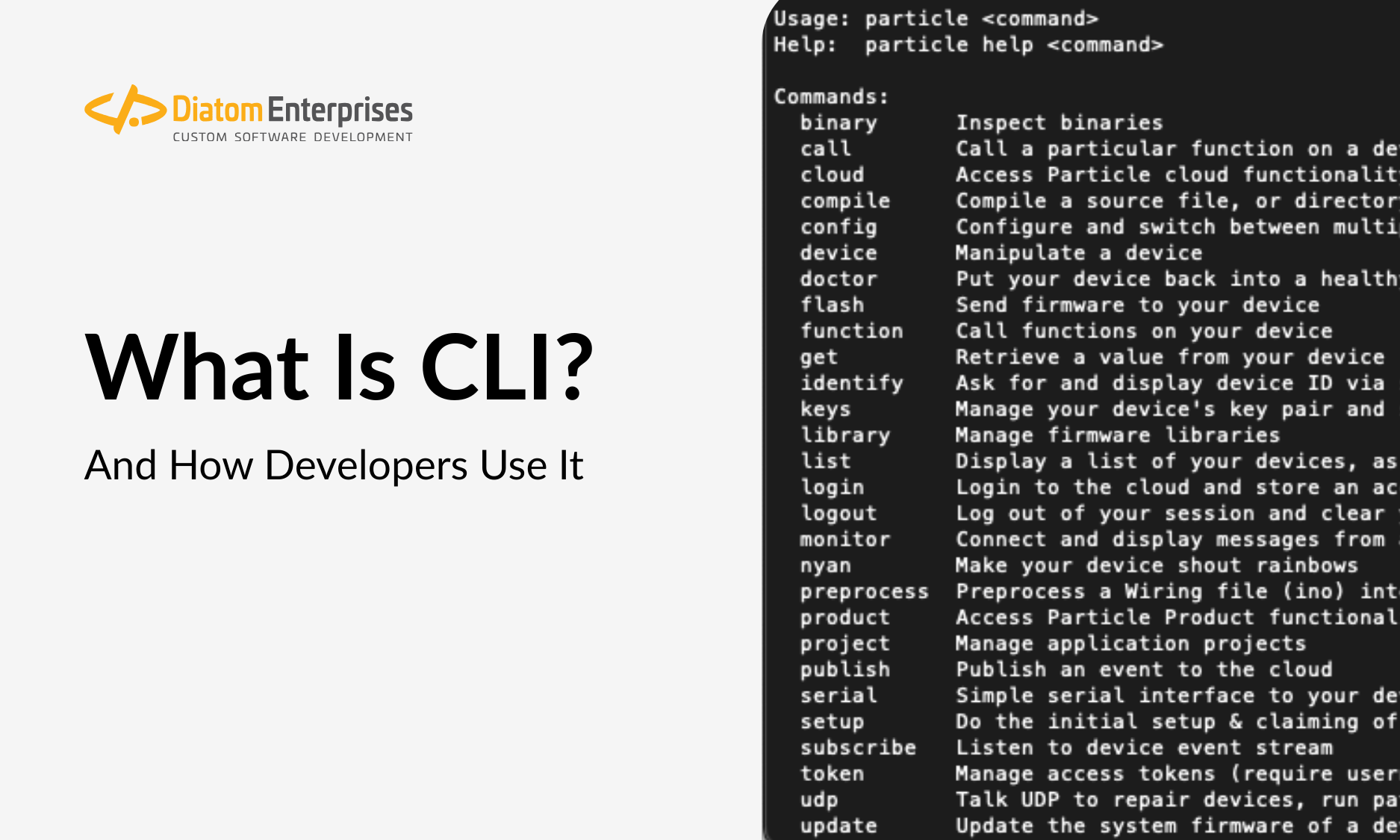


That iconic image of a developer staring at a black screen filled with glowing green text can seem intimidating. Compared to the vibrant, clickable interfaces we use daily, it looks like a relic from a past era of computing. Yet, for professional programmers, this text-based environment is the hub of productivity. Understanding why they prefer this tool is key to understanding what separates efficient, expert-level development from the basics.
So, What is CLI Programming Exactly?
A Command Line Interface (CLI) is a text-based program used to run programs, manage computer files, and interact with the operating system. Instead of using a mouse to click on icons and navigate menus, a user types a command into a terminal and presses Enter to execute it. The concept of what is cli programming is less about writing entire applications within the terminal itself and more about using the CLI as a powerful control panel to manage, automate, and streamline every stage of the software development lifecycle.
The Core Difference: CLI vs. GUI
The primary alternative to the CLI is the Graphical User Interface (GUI), the visual environment with windows, icons, and menus that most users are familiar with. While a GUI is excellent for accessibility and ease of use, the CLI offers distinct advantages for technical professionals, especially in the context of custom software development projects. The choice between them often comes down to the task’s complexity and the user’s need for control.
The most significant benefit the CLI offers is efficiency. For a seasoned developer, typing a short command is significantly faster than navigating through a series of clicks, menus, and pop-up windows. This direct interaction allows for a rapid workflow, especially when performing repetitive tasks. Instead of clicking through a file explorer, a developer can create, rename, and move a dozen files with a single line of code.
Another key difference is resource consumption. GUIs require a substantial amount of a computer’s memory and processing power to render all the visual elements. A Command Line Interface, by contrast, is extremely lightweight. This is critical for a system administrator managing remote servers or for developers working in resource-constrained environments like Docker containers, where every megabyte of RAM counts.
The true power of the CLI, however, lies in its capacity for automation. Commands can be combined and saved into scripts. A script can execute a sequence of dozens of complex operations in a specific order, all triggered by a single command. This level of automation is difficult, and often impossible, to achieve with a GUI, making the CLI an indispensable tool for creating reliable, repeatable processes.
Why Professional Developers Master the Command Line Interface
Mastering the CLI is a hallmark of an experienced developer, providing a level of control and access that is simply unavailable through a visual interface. Many advanced configuration settings and powerful features of an operating system or application are only exposed through the command line. This allows for fine-tuning performance and customizing behavior in ways a GUI does not permit.
Modern development is built on CLI-centric tools. Essential technologies for version control (Git), containerization (Docker), and cloud services like Amazon AWS are all designed to be primarily operated from the command line. A developer who cannot effectively use the CLI is unable to leverage the full power of these foundational tools, limiting their effectiveness and ability to collaborate on modern software projects.
Furthermore, the CLI is the essential mechanism for managing remote systems. Back-end developers and any system administrator must regularly connect to servers via protocols like SSH (Secure Shell). These remote servers rarely have a GUI installed to conserve resources. Therefore, all management, deployment, and troubleshooting tasks must be performed exclusively through the Command Line Interface.
Finally, using the CLI promotes a transparent and repeatable workflow. A script containing a series of commands serves as clear documentation of the exact steps required to set up a server, deploy an application, or run a test suite. This removes ambiguity and ensures that every team member can reproduce the same environment and results, which is a cornerstone of modern DevOps practices.
Common CLI Use Cases in Modern Software Development
The abstract benefits of the CLI become concrete when you see how it is applied in a developer’s daily work. The following are just a few of the core tasks that are almost universally performed using a Command Line Interface.
Version Control with Git
Git is the industry-standard version control system, and while GUI clients exist, nearly every professional developer uses it from the command line. Commands like git add, git commit, and git push are typed out to track changes, save work, and collaborate with team members on a shared code repository like GitHub.
Package Management
Modern applications are built using libraries and frameworks from the community. Package managers are tools used to install and manage these dependencies. For example, a JavaScript developer uses npm install to add a new library, while a Python developer uses pip install. These operations are executed from the CLI and are central to setting up any project.
Cloud Infrastructure Management
Cloud platforms like Amazon AWS, Google Cloud, and Microsoft Azure provide powerful CLIs to manage infrastructure. A developer can write a script to spin up new servers, configure databases, set up networking rules, and deploy an entire application stack from their terminal. This “Infrastructure as Code” approach is far more efficient and reliable than manually clicking through a web page.
Task Automation and Build Processes
Software development involves many repetitive tasks: compiling code, running tests, optimizing images, and bundling files for production. Developers use CLI-based task runners and build tools (like Webpack or Maven) to automate this entire process. A single command can trigger a complex chain of events, ensuring consistency and saving immense amounts of time.
Navigating and Managing the File System
While it may seem basic, using the CLI for file management is a crucial skill. Commands like ls (list files), cd (change directory), mkdir (make directory), and grep (search file content) allow a developer to navigate and manipulate a project’s structure with a speed and power that is unmatched by a graphical file explorer, especially for complex search-and-replace operations across hundreds of files.
The Business Case for CLI Proficiency
Beyond being a technical preference, a developer’s proficiency with the CLI has direct business implications. Developers who can leverage the Command Line Interface to its full potential build, test, and deploy software more quickly. Their ability to automate repetitive configuration and deployment tasks not only accelerates project timelines but also dramatically reduces the risk of costly human error.
At Diatom, we help you to capitalize the strength of your business individuality. This philosophy extends to how we build software. A developer wielding the CLI is like a master craftsman with a precision tool. Instead of being confined by the pre-set options of a GUI, they can script unique, highly optimized automation workflows tailored to your specific back-end infrastructure and business logic. This direct, powerful interaction ensures that the technical solution is a perfect reflection of your company’s unique operational needs, not a generic, one-size-fits-all product.
When sourcing IT talent, proficiency with the CLI should be considered a key indicator of experience and technical depth. It demonstrates that a candidate understands how to work efficiently, manage complex systems, and employ modern development best practices. An engineer comfortable with the command line is better equipped to handle the challenges of back-end development, server management, and creating robust automation pipelines.
The Command Line Interface is not an outdated relic but a foundational tool for modern, professional software engineering. It provides the speed, control, and automation capabilities essential for building and maintaining robust, scalable software systems. For any business invested in creating high-quality technology, ensuring its development team possesses this core skill is a strategic necessity.
If you are looking to build a team of expert developers who can streamline your back-end operations and automate complex workflows, contact us today to learn how our talent can elevate your projects.