What is CLI Programming and How Do Developers Use It?

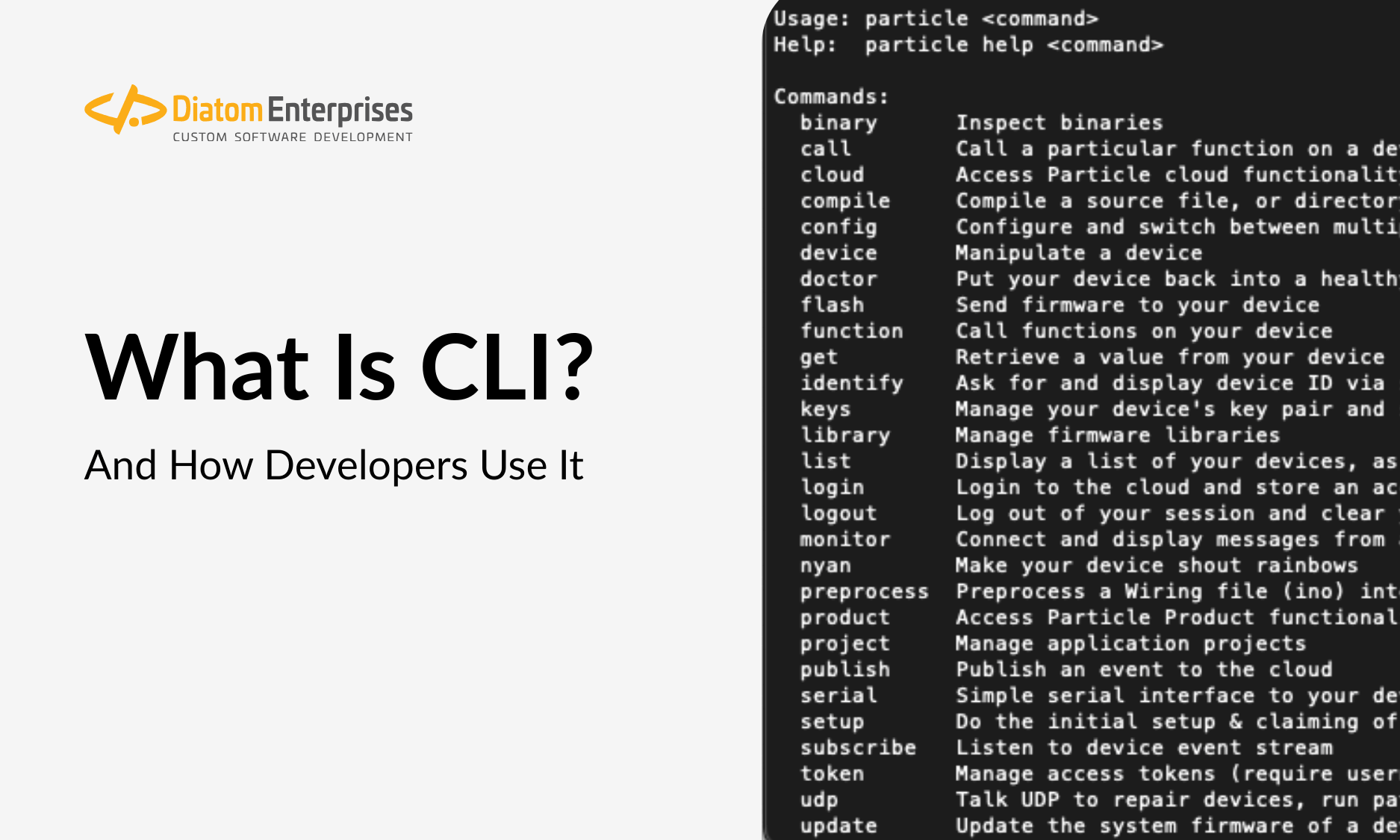
Table of content
That image of a developer staring at a black screen full of green text can look intimidating. Next to the clickable interfaces we use every day, it seems like a leftover from an older era of computing. For professional programmers, though, this text-based environment is where most of the real work gets done, and knowing why they prefer it explains a lot about how efficient development teams operate.
So, What is CLI Programming Exactly?
A Command Line Interface (CLI) is a text-based program for running other programs, managing files and talking to the operating system. Instead of clicking icons and menus, you type a command into a terminal and press Enter. The idea behind what is CLI programming (or what is CLI in programming, as the question is often phrased) is less about writing whole applications inside the terminal and more about using the CLI as a control panel for every stage of the software development lifecycle. The CLI meaning in programming comes down to control: it is the typed layer underneath the graphical tools you use.
The answer is the same whether a colleague asks “whats a CLI?” or you search for it while installing a specific tool: it is the command-driven alternative to clicking through menus. What is CLI in software development, more specifically? It is the interface developers use to install packages, manage version control and configure infrastructure, all tasks that are faster and more precise when typed. CLI coding, programming CLI tools and working from the terminal all describe the same text-based workflow.
The CLI itself is not a programming language. It is an interface. The commands you type are interpreted by a shell such as Bash, Zsh or PowerShell, and those shells do have their own scripting languages, which is why “writing a CLI script” and “programming” overlap in everyday use.
The Core Difference: CLI vs. GUI
The main alternative to the CLI is the Graphical User Interface (GUI): windows, icons and menus. A GUI is easier to learn and more accessible, while the CLI gives technical professionals more control, especially in custom software development projects. Which one fits depends on how complex the task is and how much control you need.
The first advantage of the CLI is speed. For an experienced developer, a short command is faster than a chain of clicks, menus and pop-up windows, and the gap grows with repetitive work. Instead of renaming and moving a dozen files in a file explorer, a developer can do it with one line.
The second is resource use. A GUI needs memory and processing power to draw its interface, while a command line needs almost none. That matters to a system administrator managing remote servers and to developers working inside Docker containers, where every megabyte of RAM counts.
The third, and the most important, is automation. Commands can be combined and saved as scripts, and a single script can run dozens of operations in a fixed order. Doing the same with a GUI is difficult and often impossible, which is why the CLI is the default tool for any process that has to be reliable and repeatable.
CLI vs. SDK: What’s the Difference?
SDK and CLI often appear in the same documentation, but they describe different things. A Software Development Kit (SDK) is a set of libraries, code samples and documentation that you import into your own codebase to build functionality. You assemble it inside your application.
A CLI is a standalone tool you run from the terminal to perform an action; you do not embed it in your code. Many platforms ship both: an SDK for developers who call the platform from their own code, and a CLI application for developers who want to run a command and get a result, such as deploying a build, provisioning a resource or checking a status, without writing integration code.
Why Professional Developers Master the Command Line Interface
Fluency with the Command Line Interface is one of the clearest signs of an experienced developer. Many advanced settings of operating systems and applications are only available from the command line, so the terminal is often the only place where you can tune performance or change default behavior.
Most of the modern development toolchain is built CLI-first. Git for version control, Docker for containers and the cloud platforms (AWS, Google Cloud, Azure) all expect to be driven from the command line. A developer who avoids the terminal can use only part of what these tools offer, and that limits how well they work with the rest of the team.
The CLI is also how you manage remote systems. Back-end developers and system administrators connect to servers over SSH (Secure Shell), and those servers usually have no GUI installed at all. Deployment, configuration and troubleshooting all happen through the Command Line Interface.
Finally, the CLI makes work transparent and repeatable. A script that sets up a server, deploys an application or runs a test suite is also exact documentation of the steps involved. Anyone on the team can reproduce the same environment and the same result, which is the basis of modern DevOps practice.
Common CLI Use Cases in Modern Software Development
These are the tasks developers almost always perform from a Command Line Interface.
Version Control with Git
Git is the standard version control system. GUI clients exist, but most professional developers use Git from the command line: git add, git commit and git push track changes, save work and share it with the team through a repository on a platform such as GitHub.
Package Management
Applications are built on libraries and frameworks maintained by the community, and package managers install and update them. A JavaScript developer adds a library with npm install, a Python developer with pip install. These commands run in the CLI and are the first step in setting up almost any project.
Cloud Infrastructure Management
AWS, Google Cloud and Microsoft Azure each provide a CLI for managing infrastructure. From the terminal, a developer can script new servers, databases, networking rules and a full application deployment. This “Infrastructure as Code” approach is faster and far less error-prone than configuring the same resources by hand in a web console.
Task Automation and Build Processes
Compiling code, running tests, optimizing images and bundling files for production are repetitive steps. CLI-based task runners and build tools such as Webpack or Maven automate them, so one command triggers the whole chain and produces the same result every time.
Navigating and Managing the File System
File management looks basic, but it is a core skill. Commands like ls (list files), cd (change directory), mkdir (make directory) and grep (search file contents) let a developer move through a project and change it much faster than a graphical file explorer allows, especially for search-and-replace across hundreds of files.
AI Coding Agents in the Terminal
The newest CLI tools are AI coding agents. Claude Code, Gemini CLI and OpenAI’s Codex CLI run in the terminal, read the project’s files, run commands and propose changes for the developer to review. They work in the CLI for the same reasons people do: direct access to the file system, the shell and the existing toolchain. If you are choosing between them, our comparison of Claude Code and Gemini CLI covers the practical differences.
CLI Terms Explained: A Quick FAQ
“CLI” is used in slightly different ways depending on context, so here is a short reference.
- What is a CLI tool? A CLI tool (or CLI application) is any software you control entirely through typed commands instead of a graphical interface. Git and the AWS CLI are common examples of what CLI tools look like in practice. This is also the simplest answer to what is CLI in coding: a tool you run by typing a command rather than clicking.
- What does CLI mean in computer terms? CLI stands for Command Line Interface; that is the CLI full form. It is the general term for any text-based way of controlling software or an operating system.
- What does CLI mean in coding? The same thing: the command line, where developers type the commands that build and ship their code.
- Cli app meaning? A CLI app is a program built to run from the terminal, usually installed with a package manager instead of being launched from an icon.
- Is CLI a programming language? No. The CLI is an interface. Shells such as Bash and PowerShell have scripting languages, but the CLI itself is the place where you type commands.
- Is CLI software the same as a script? No. CLI software is the program itself, while a script is a saved sequence of commands you run against that software CLI (or the operating system) to automate a task.
The Business Case for CLI Proficiency
A developer’s command of the CLI has direct business consequences. Developers who use the Command Line Interface well build, test and deploy software faster, and automating configuration and deployment removes many of the manual steps where costly mistakes happen.
It also shapes the software itself. A developer who works fluently in the terminal is not limited to the options a GUI exposes: they can write automation that fits your specific back-end infrastructure and business logic. The result is a system built around how your company operates, not a generic setup.
When you hire or evaluate developers, CLI fluency is a reliable signal of experience. It shows that a candidate can work efficiently, manage complex systems and follow current development practice, and it matters most in back-end development, server management and building dependable automation pipelines.
The Command Line Interface is not a relic. It is the foundation of professional software engineering, and it gives teams the speed and automation that reliable, scalable software requires. Diatom’s senior engineers work in the terminal every day, from version control to cloud deployments and AI-assisted development, with every AI output reviewed by an engineer.
If you need a team that can automate your back-end operations and complex workflows, contact us today to discuss your project.