
What Is Azure Service Bus?
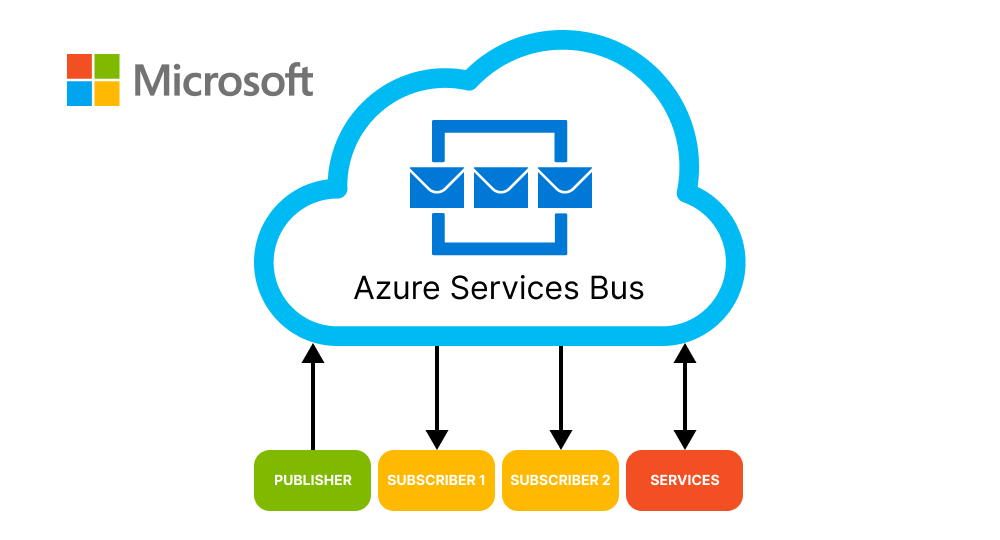
Azure Service Bus is Microsoft’s fully managed enterprise message broker. It lets applications and services exchange data asynchronously, so the systems on either side don’t need to be online at the same time or know about each other’s internals. That makes it a strong backbone for cloud-based, hybrid, and cross-platform applications, including event-driven and microservices architectures.
Why Azure Service Bus?
Reliability
Service Bus decouples the applications that send messages from the ones that process them. If a receiving service is down or slow, messages wait safely in a queue or subscription until it’s ready, so nothing is lost. Behind the scenes, Microsoft keeps multiple synchronized copies of your messaging data and, in regions with availability zones, spreads them across separate datacenters. And because it’s a managed service, there are no message-broker servers to provision, patch, or maintain.
Shared or Dedicated Capacity, Your Choice
Service Bus is organized into namespaces, which act as containers for your queues and topics. The Basic and Standard tiers run on shared capacity and are billed by usage, which is a cost-effective start for many workloads. The Premium tier gives you dedicated messaging units with isolated CPU and memory, for predictable performance, higher throughput, and messages up to 100 MB (Basic and Standard are limited to 256 KB). Applications connect over industry-standard protocols (AMQP 1.0 and HTTPS), and client libraries exist for .NET, Java, Python, JavaScript, and Go.
Highly Scalable
Asynchronous messaging is a proven way to absorb traffic spikes. Producers add messages to a queue at whatever rate they arrive, and consumers process them at their own pace. You can add more consumers as load grows. On the Premium tier you can also scale messaging units up or down to match demand. The result is applications that stay responsive under variable load instead of failing at peak times.
Key Features
- Queues and topics: point-to-point messaging with queues, and publish/subscribe with topics and subscriptions (Standard tier and above)
- Dead-letter queues: messages that can’t be processed are set aside for inspection rather than lost
- Sessions: ordered, first-in-first-out processing for related messages
- Transactions and duplicate detection: safer, more consistent message handling
- Scheduled delivery: send a message now, deliver it later
- Enterprise security: Microsoft Entra ID authentication, plus Private Link and virtual network integration on Premium
Building on Service Bus with .NET
If you’re building on Service Bus with .NET, use the current Azure.Messaging.ServiceBus library. Microsoft is retiring the older WindowsAzure.ServiceBus and Microsoft.Azure.ServiceBus packages, along with the SBMP protocol, on 30 September 2026. Existing code keeps running but won’t receive official support or updates, so it’s worth planning migrations now.
Azure Service Bus Development with Diatom Enterprises
Need help designing or migrating a messaging architecture on Azure? Diatom Enterprises’ .NET and Azure specialists can help you choose the right tier, build reliable integrations, and keep your applications scalable. Leave your contacts and we’ll discuss your project.