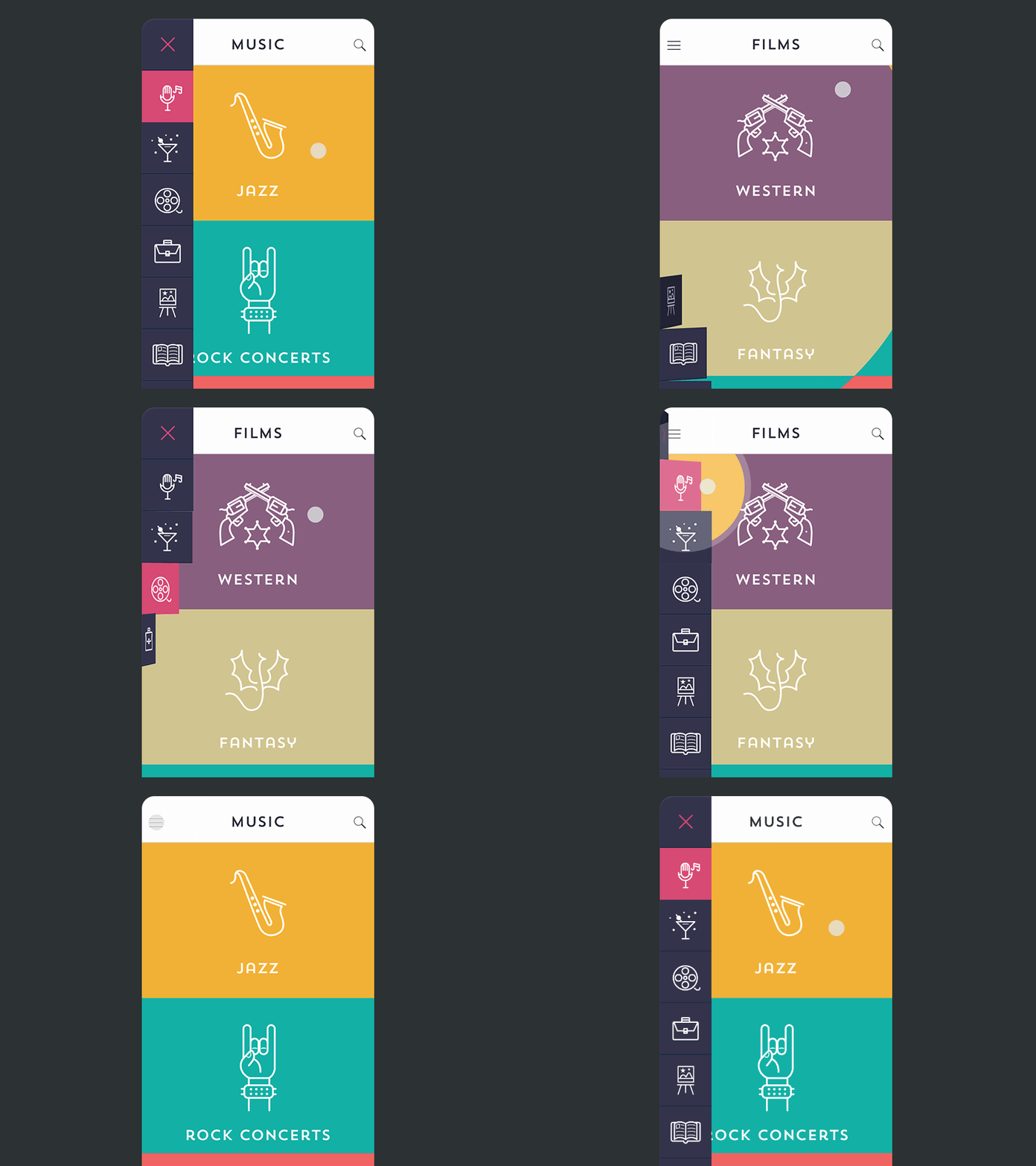
If you want to create a user-friendly design for your application, decide how it moves as well as how it looks. Micro interaction design covers the small responses an interface gives to a single action: a button that compresses when pressed, a password field that shakes after a wrong entry. Left to chance, these details make a polished mockup feel unfinished in the real app.
Interaction Design
What is Micro-interaction?
A micro-interaction is a contained moment built around one task, such as liking a post or refreshing a feed. Interaction design is the wider discipline: it defines how people move through a whole product and how the system answers them. Micro-interactions are its smallest units. For how interaction design fits into UX and UI work, see our article on UI/UX design in software development.
Dan Saffer’s book Microinteractions: Designing with Details (O’Reilly, 2013) gives the model many interaction design teams use. Every micro-interaction has four parts:
- Trigger: a user action, such as a tap, or a system condition, such as a new message arriving.
- Rules: what happens next and what the user can do. Users never see them directly.
- Feedback: how the rules become visible, such as a heart that fills when you save a product.
- Loops and modes: how long it runs, whether it repeats (a feed that checks for posts every 30 seconds) and any separate state, such as a settings mode.

Example of Micro-Interactions
Many teams still hand developers static screens, and the developer invents the timing and easing. Each guess differs, so the app ends up inconsistent. A short interaction design spec that covers the four parts for each key moment removes the guessing.

Example of Micro-Interactions
Micro-Interaction Examples Worth Studying
Pull-to-refresh shows a spinner while you pull, so you know that letting go will reload the list. A useful micro interaction for table headers flips the sort arrow and slides the rows into their new order, so users see that the sort worked and in which direction. Both answer “did that work?” before the user has to ask.
Accessibility and Performance
Parallax and large zooms can cause dizziness and nausea in people with vestibular disorders. WCAG covers motion in three success criteria: 2.3.1 Three Flashes or Below Threshold (Level A), 2.2.2 Pause, Stop, Hide (Level A) for automatic motion longer than five seconds, and 2.3.3 Animation from Interactions (Level AAA, added in WCAG 2.1), which asks that motion triggered by interaction can be turned off unless it is essential.
The standard technique is the prefers-reduced-motion media query, which reads the reduce-motion setting of the operating system. Inside @media (prefers-reduced-motion: reduce), replace slides and zooms with a quick fade. Keep the feedback and remove the travel.
A micro-interaction that stutters is worse than none. Animate transform and opacity, which browsers can hand to the compositor, and avoid animating width or top, which force layout work on every frame. Since March 2024 Google’s Core Web Vitals measure responsiveness with Interaction to Next Paint (INP), where a good score is 200 ms or less.
How Teams Prototype Micro-Interactions Today
In 2017 we split the tools into two groups. Simple ones such as Flinto, InVision and Marvel needed no animation skills but offered little control over motion.

Tools for creating Micro-Interactions
The second group (Adobe After Effects, Principle and Framer) showed detailed motion but needed animation or coding skills. Since then, InVision closed its design services at the end of 2024, and Framer has become a website builder. Today interaction design work often starts in Figma prototypes, with triggers such as While hovering or While pressing, and Smart Animate for transitions between frames. ProtoPie covers prototypes that need logic, variables or device sensors. After Effects animations exported with the Bodymovin plugin play as Lottie files on the web and mobile. Rive builds animations with their own states as a state machine and ships them through open-source runtimes. For timing on a real device, a coded prototype is still the most reliable test.

Tools for creating Micro-Interactions
Around the time this article first appeared, we redesigned our static company website and added motion to make it more engaging. Here is the before and after.

Before

After
Large product companies employ dedicated interaction designers. In smaller teams, the UI designer specifies interactions along with the screens, which works if the four parts of each key moment are written down before development starts. Without that record, interaction design turns into guesses made in code.
Diatom Enterprises has delivered software since 2004, and our 80+ senior engineers turn interaction specs into production code. To add well-specified micro-interactions to your product, contact us and we will help you find the right design solution.